Kt Window
A modern, theme-aware WinForms window with customizable backgrounds, styling, and layout support.

🟢 DESIGNER SUPPORT
This control has full Visual Studio design-time support.
Drag it from the Toolbox onto your form, customize its properties directly in the Properties window, and KimTools will generate the corresponding code for you.
Form Inheritance Integration
To transform a standard WinForms window into a modern KtWindow, modify your code-behind inheritance target from Form to KtWindow.
- Create Standard Form
Add a standard Windows Form to your project using the Visual Studio designer. - Open Code-Behind File
Right-click the form designer surface and select View Code (F7) to open yourForm.cspartial class. - Update Base Class
Change the base class inheritance from: Formto: KtWindow(ensureusing KimTools.WinForms;is declared). - Configure Window Properties
Return to the Visual Studio designer to customizeKtWindowproperties like corner radius, border styling, shadow effects, and custom header controls.
using KimTools.WinForms;

namespace MyApp
{
    public partial class MyAppWindow : KtWindow
    {
        public MyAppWindow ()
        {
            InitializeComponent();
        }
    }
}
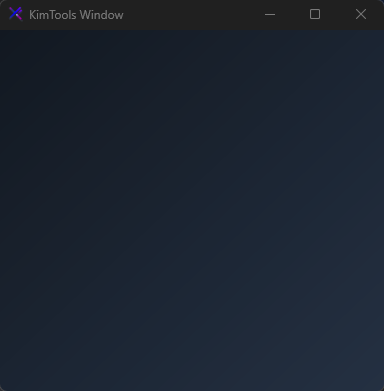
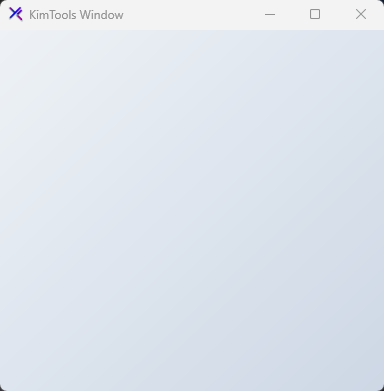
Theme-aware gradient
Use semantic KtColor values to create a background that follows the KimTools theme.
window.Background =
(
    startColor: KtColor.BASE_1,
    stopColor: KtColor.BASE_3,
    angle: 45
);
Background
| Background | Kt-Brush | Sets the Background. |
|---|
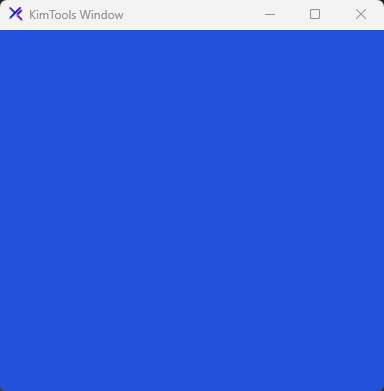
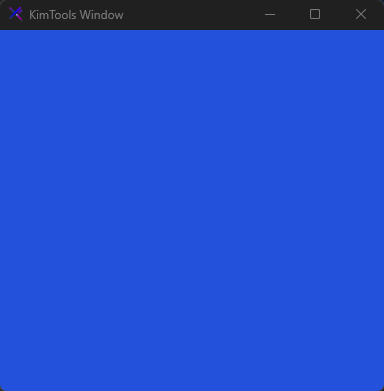
Solid background
Set a single KtColor to create a solid window background.
window.Background = KtColor.PRIMARY[50];
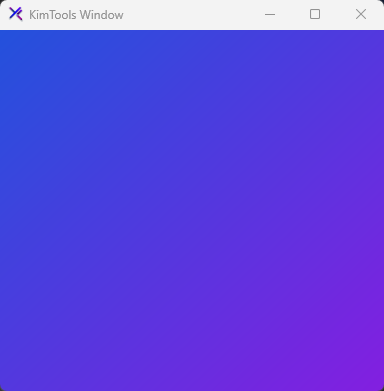
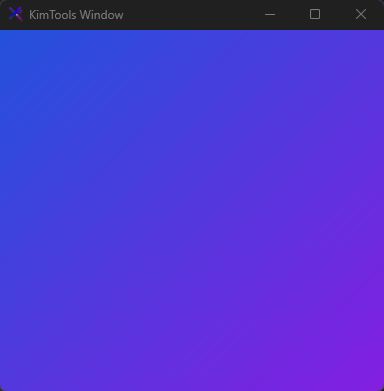
Gradient background
Combine two KtColor values to create a gradient background.
window.Background =
(
    KtColor.PRIMARY[50],
    KtColor.SECONDARY[50]
);
Gradient angle
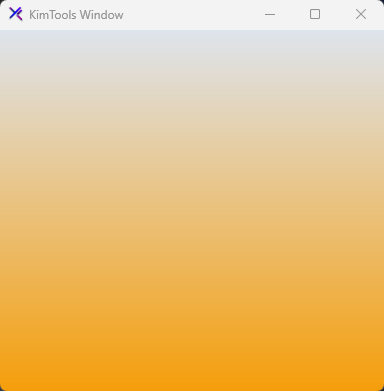
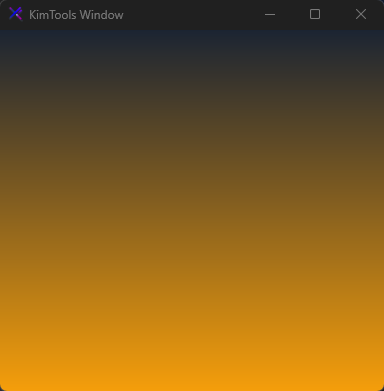
Set the gradient direction by supplying an angle (0-360 degrees).
window.Background =
(
    KtColor.BASE,
    KtColor.Amber,
    90
);
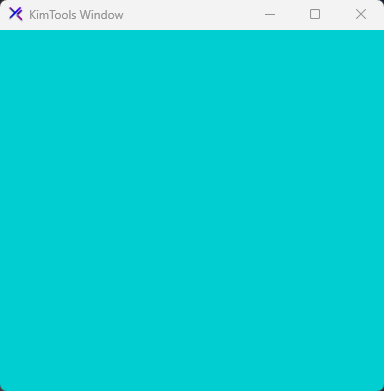
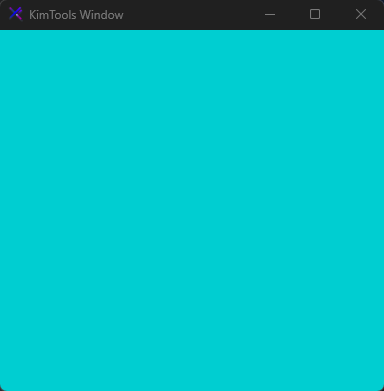
Semantic colors
Use KimTools semantic theme variables so the background follows the active theme.
window.Background = KtColor.ACCENT;
Color shades
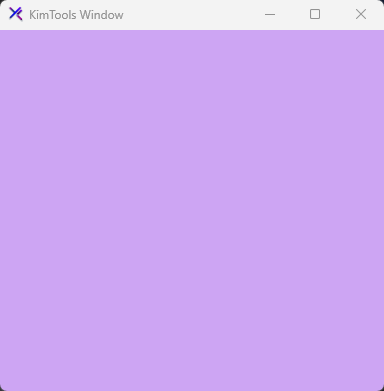
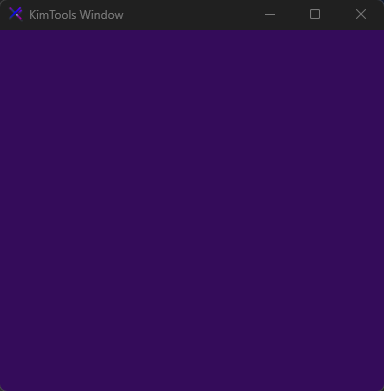
Use the color indexer to select a specific lightness level.
window.Background = KtColor.SECONDARY[20];
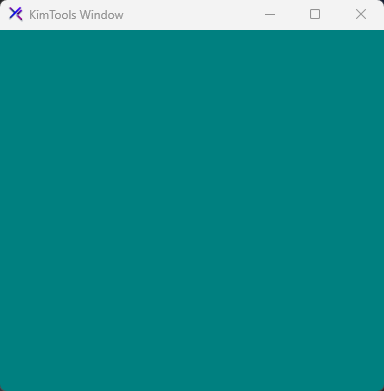
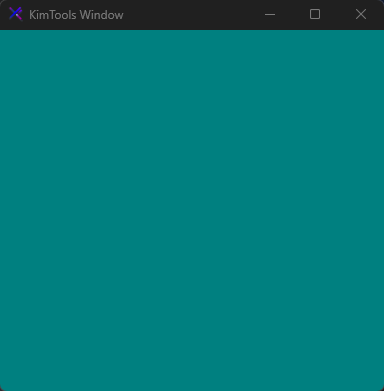
Custom color
Assign a hexadecimal color directly when a semantic theme color is not required.
window.Background = Color.Teal;
//or  window.Background = (KtColor)"#3B82F6";
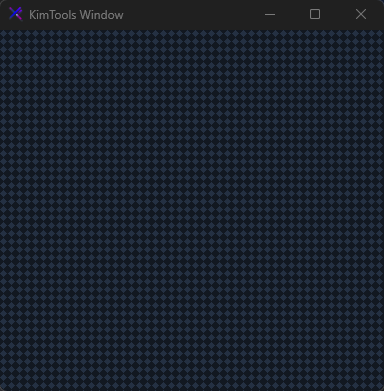
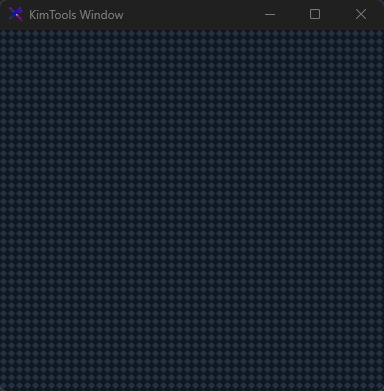
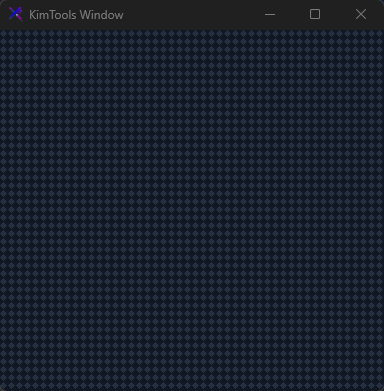
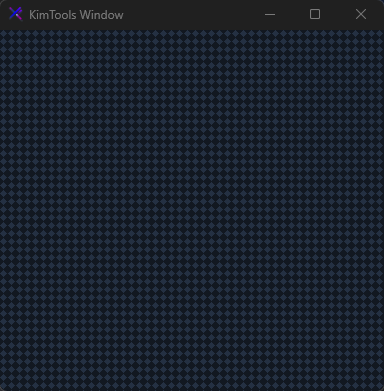
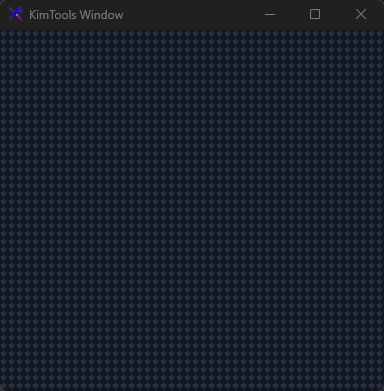
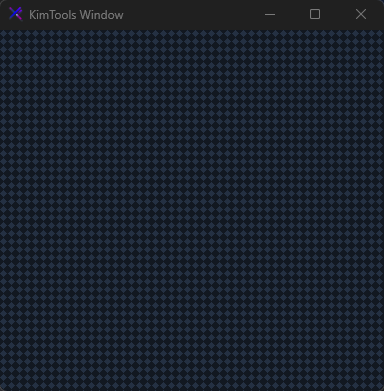
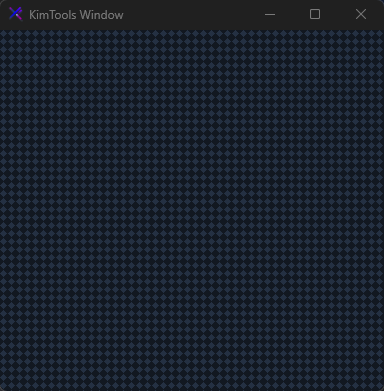
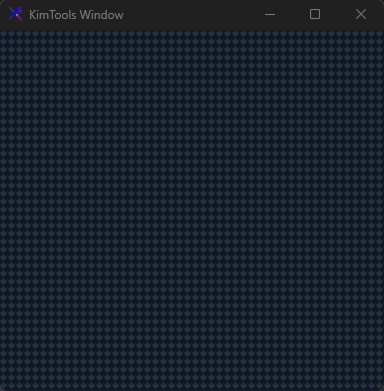
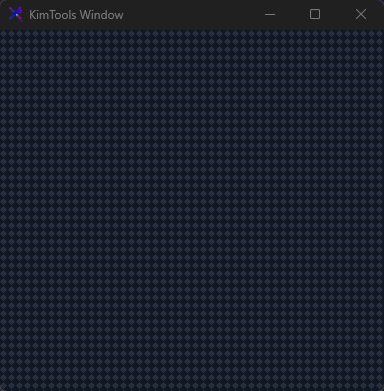
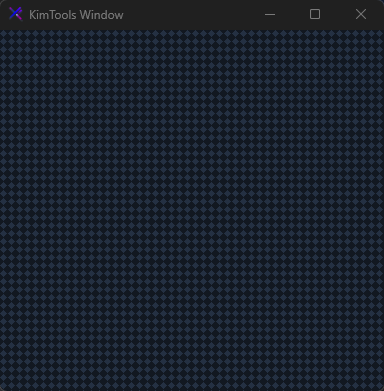
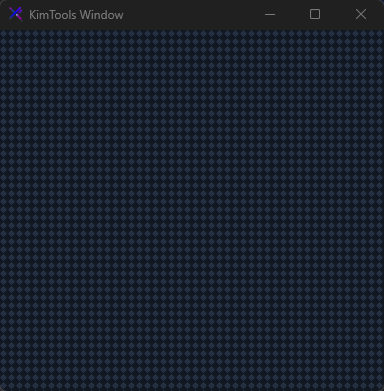
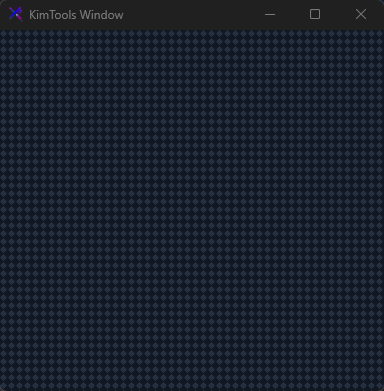
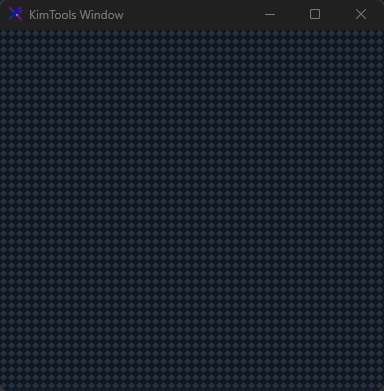
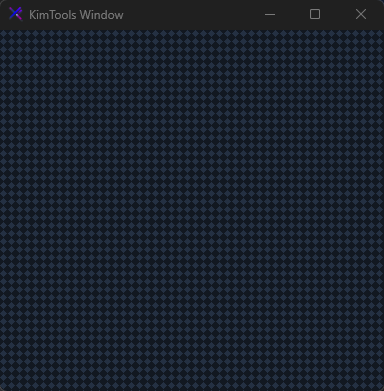
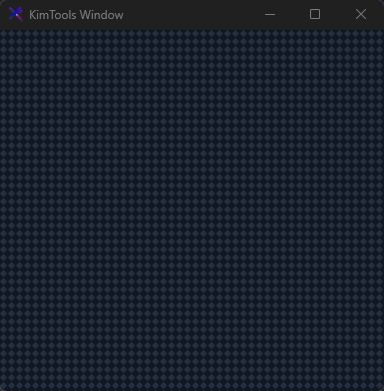
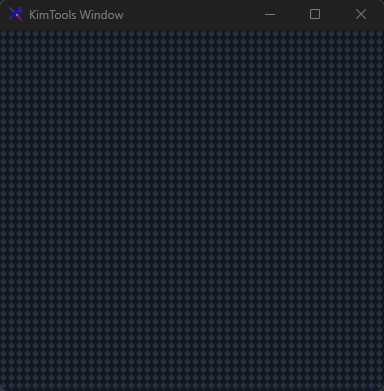
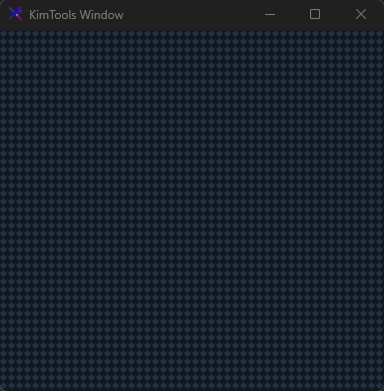
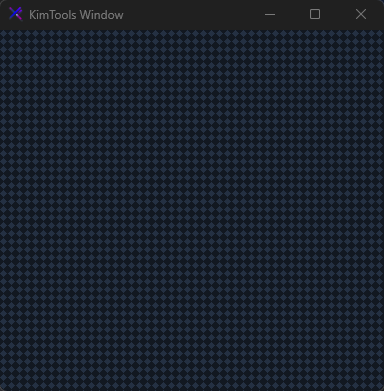
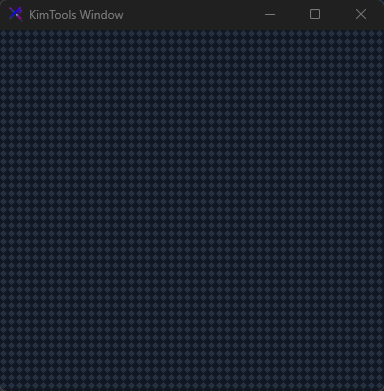
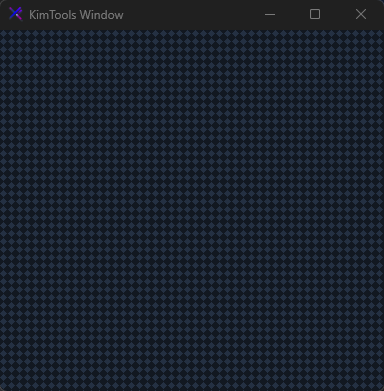
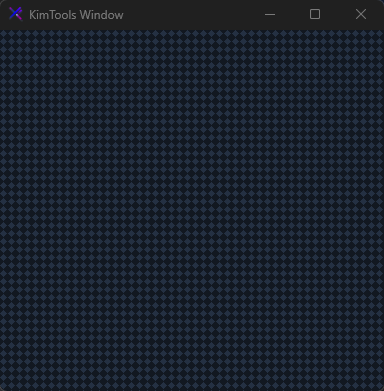
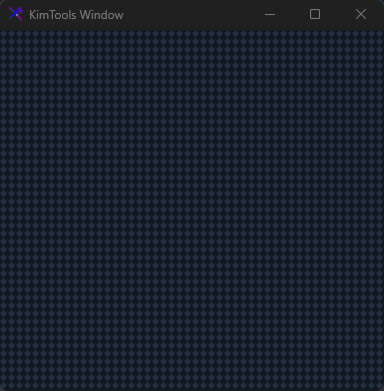
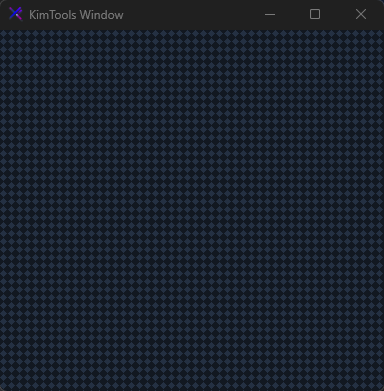
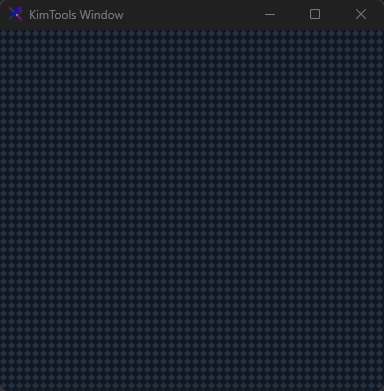
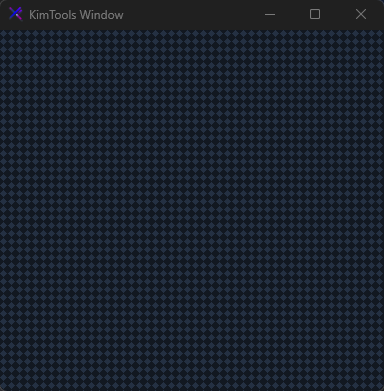
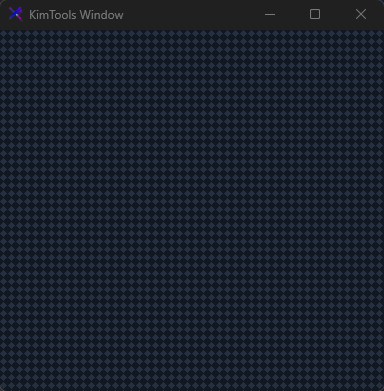
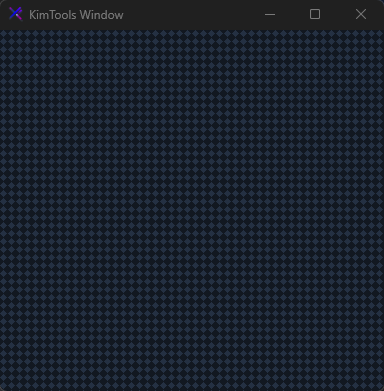
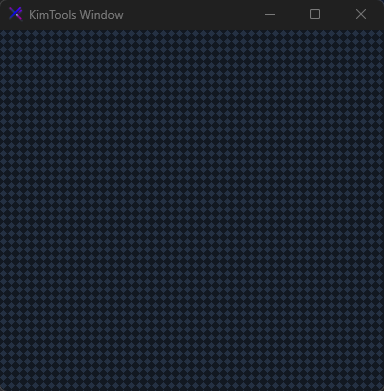
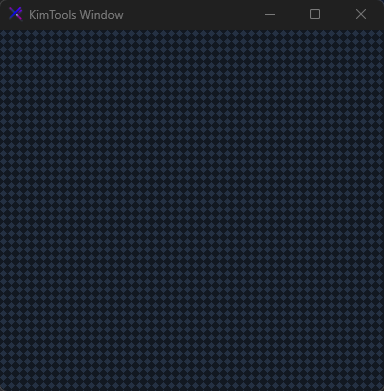
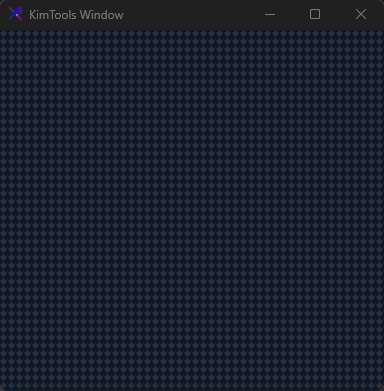
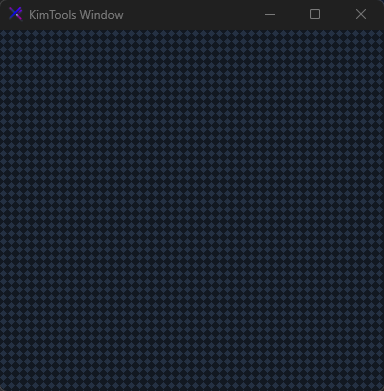
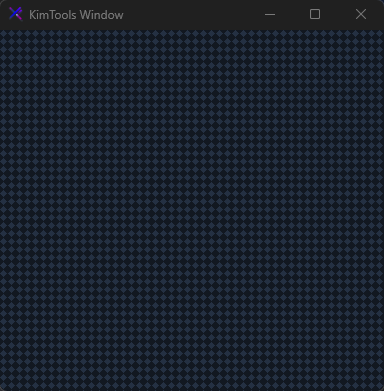
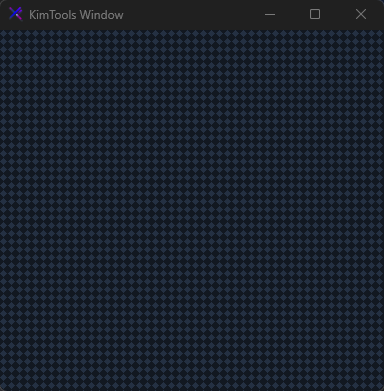
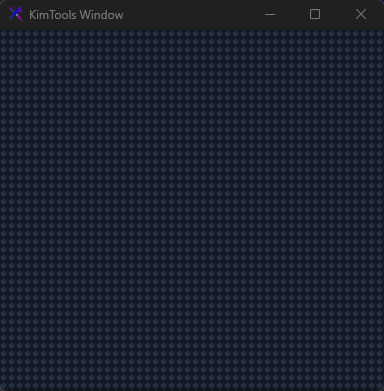
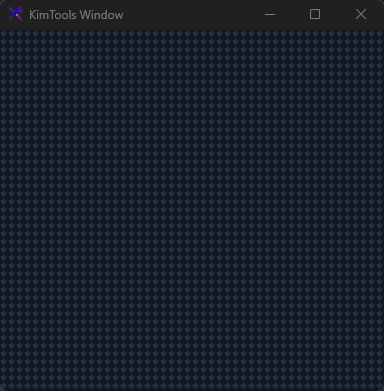
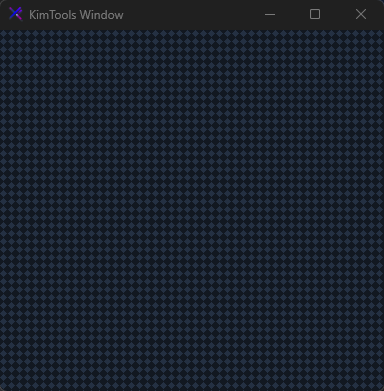
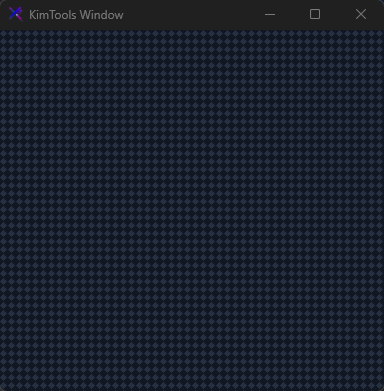
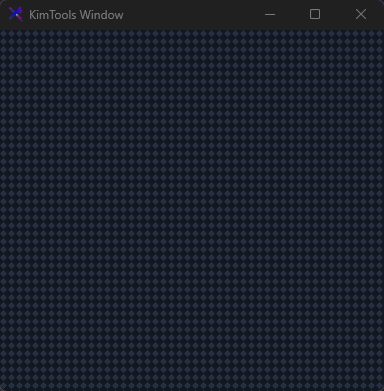
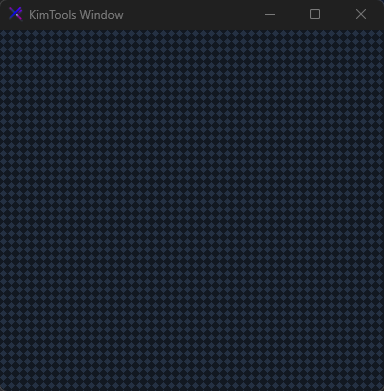
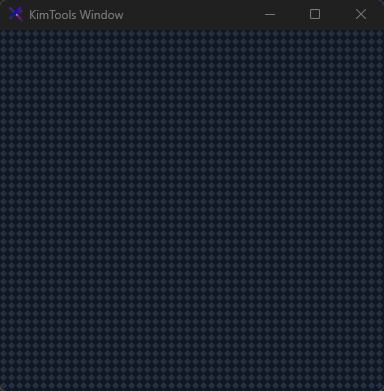
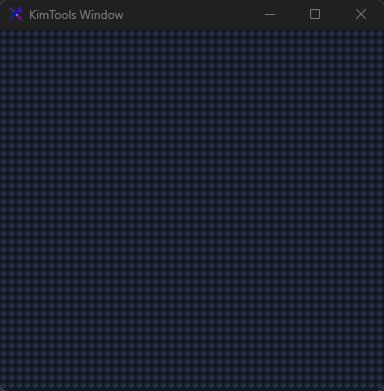
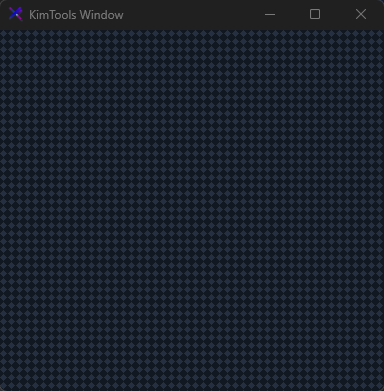
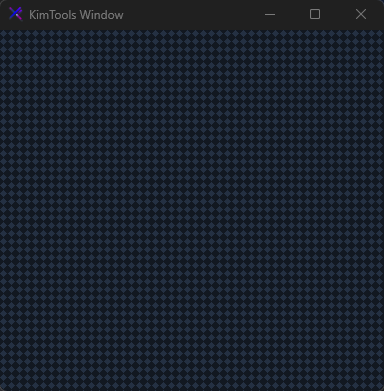
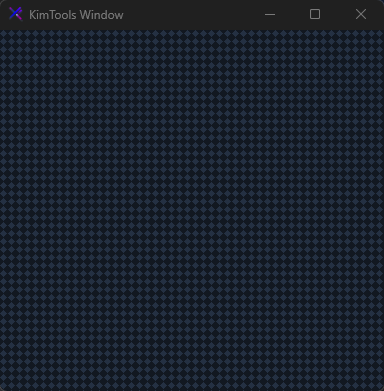
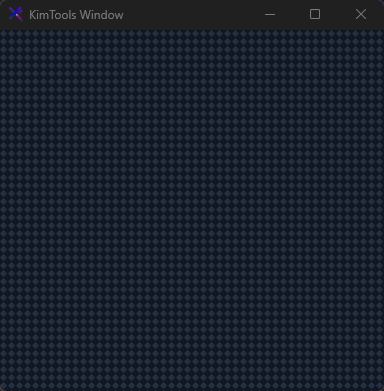
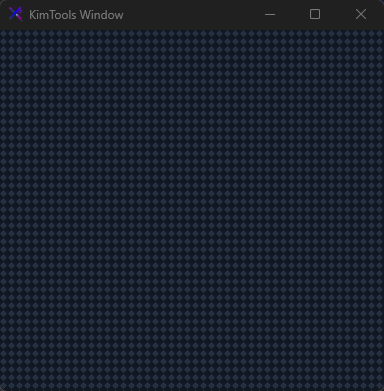
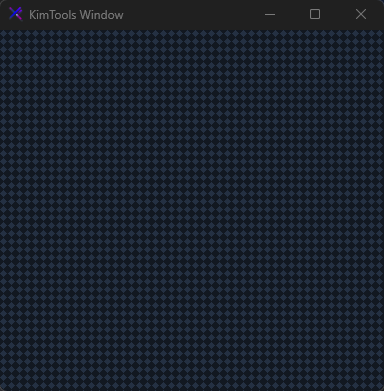
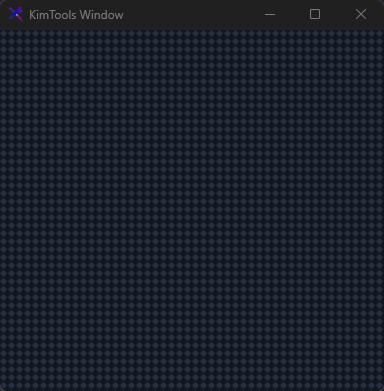
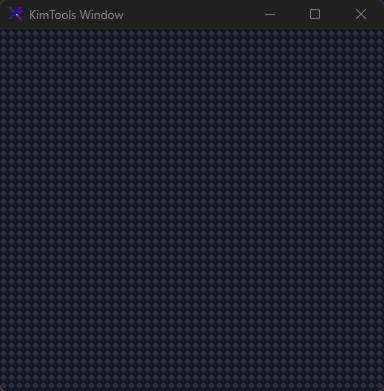
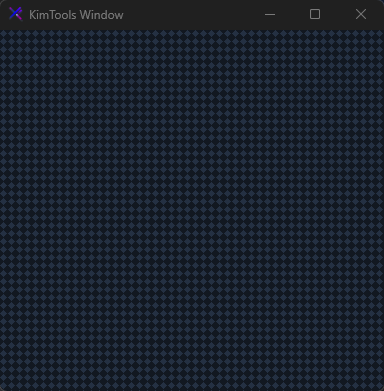
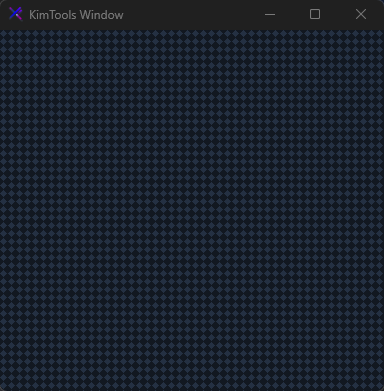
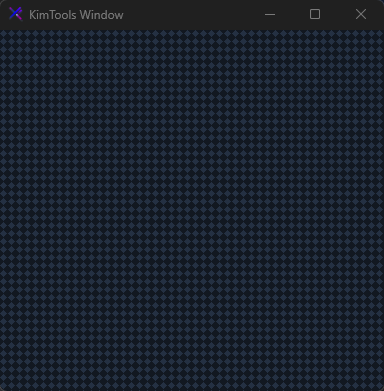
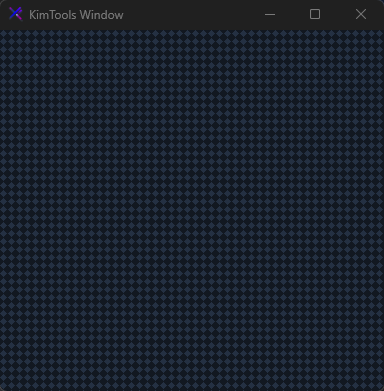
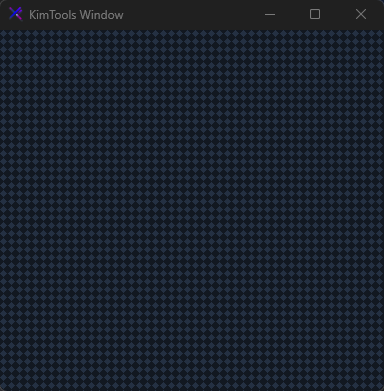
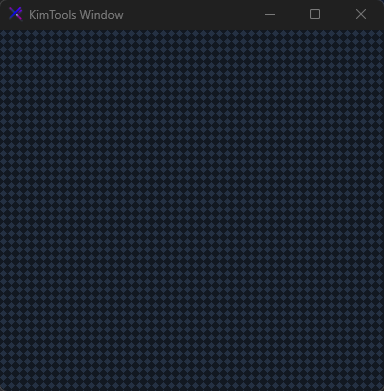
Pattern styles
| PatternStyle | HatchStyle Nullable | Sets the Pattern style. |
|---|
Pattern Style | Color
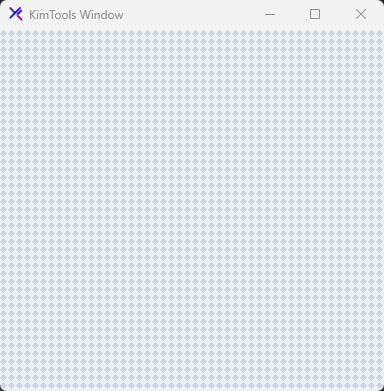
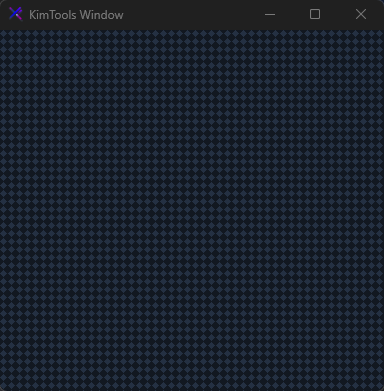
Supports patterns types which blend with the Background
set PatternStyle to null to disable patterns.
// Use % operator to apply transparency to Kt-Color
window.Background = KtColor.BASE_1; // Solid Color or Gradient
window.PatternColor = KtColor.BASE_3; // Solid Color or
window.PatternStyle = HatchStyle.LargeConfetti;
Pattern styles
























































API Reference
| Background | Kt-Brush | Sets the Background. |
| PatternColor | Kt-Color | Sets the Pattern color. |
| Foreground | Kt-Color | Sets the Foreground. |
| Drag | Boolean | Sets the Drag. |
| Composited | Boolean | Enables WS_EX_COMPOSITED to reduce flicker at runtime. |
| Shadow | Boolean | Enables Shadows on borderless window. |
| PatternStyle | HatchStyle Nullable | Sets the Pattern style. |
| Text | String | The text associated with the control. |