KimTools WinForms
Modern UI Toolkit for { .NET }
Elegant WinForms Controls & Components for .NET (Framework + Core), and beyond, no bloat.
Go to Website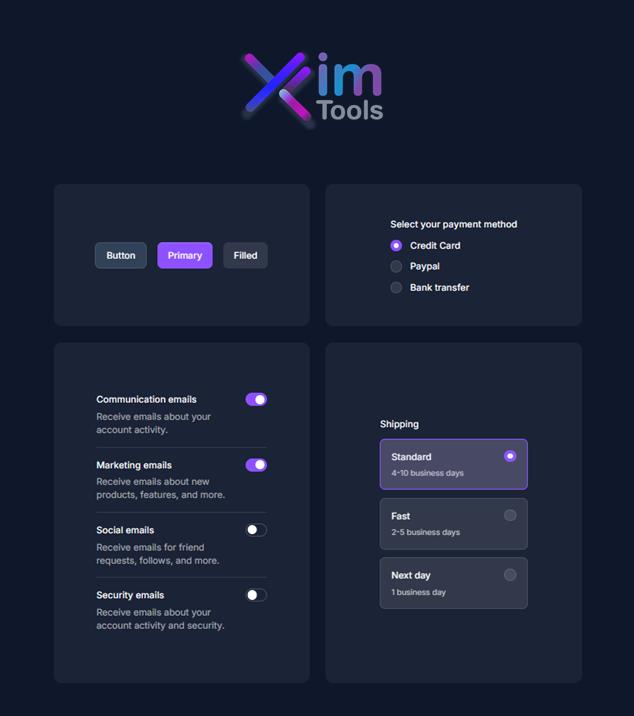
Why KimTools?
Unlimited Projects
Modern UI Toolkit for { .NET Framework & Core }
Build as many desktop applications as you need across legacy .NET Framework and modern .NET Core without limits.
Learn More
Unlimited Activations
Develop Across { All Your Devices }
Develop seamlessly across your personal workstations and development laptops with zero activation friction.
Learn More
Royalty-Free
Deploy { Without Extra Costs }
Ship commercial applications to an infinite number of end-users with zero hidden runtime fees or royalties.
Learn More
Visual Designers
Low-Code { WYSIWYG Support }
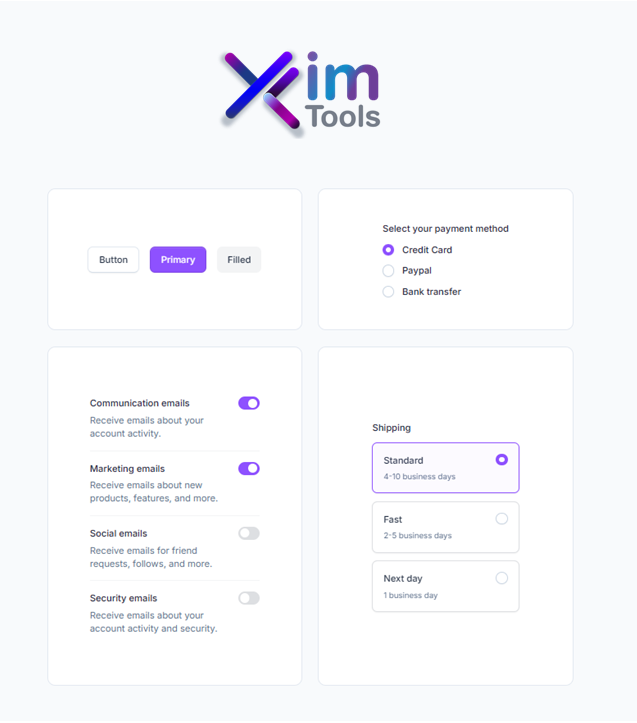
Accelerate your application workflow using intuitive low-code visual designers and native WinForms property editors.
~40 Controls & Components
High Performance { UI Suite }
Access a rich suite of around 40 modern components engineered specifically for responsive WinForms interfaces.
35 Modern Themes
Inspired by { DaisyUI }
Instantly style your desktop applications with 35 light and dark themes designed out of the box.
View Themes
Semantic Colors
Tailwind-Inspired { Palettes & KtColor }
Take control of your visual hierarchy with Tailwind colors, customizable variables, and native KtColor support.
Explore Colors
Brushes & Shaders
Minimal Code { Render Logic }
Custom rendering built for control vendors using KtBrush, clean SDKs, and minimal code footprint.
Learn More
Supported Frameworks
Supported versions:
- .NET Framework 4.6.2
- .NET Framework 4.7
- .NET Framework 4.7.1
- .NET Framework 4.7.2
- .NET Framework 4.8
- .NET Framework 4.8.1
Supported versions:
- .NET 8
- .NET 9
- .NET 10 (Preview)
Get Started
Install & Upgrade via NuGet
Package Manager ConsolePackage Manager GUI.NET CLI🔴 🟡 🟢Install-Package KimTools.WinForms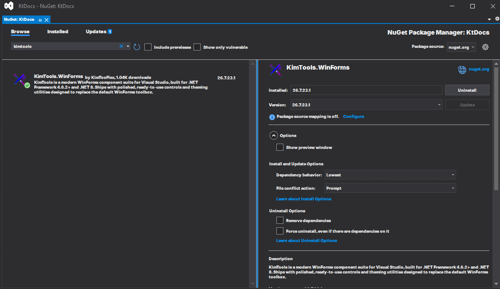 🔴 🟡 🟢
🔴 🟡 🟢dotnet add package KimTools.WinFormsPick your license tier
Get KimTools License
Choose .NET Framework, .NET Core, or PLUS depending on what your project targets.Drop controls onto the designer
KimTools controls appear in your Visual Studio Toolbox like any other WinForms control -no extra setup.