Modern UI
Framework for
{ .NET WinForms }
An elegant suite of intuitive UI controls,
components, and libraries
perfectly polished to
deliver an efficient, aesthetically pleasing Apps and world-class developer experience.
- {{ feat }}


.NET Compatibility
Pricing
Simple, lifetime licensing
One-time purchase, no subscriptions.
Pick the target that matches your stack or grab {{pricingTiers[2].name}}
for everything.
{{ selectedTier?.cta }}



Included in every license
ℹ️ The Free Edition is temporarily down for maintenance.
UI Components
WinForms Controls & Components
By marrying a Tailwind-inspired architecture with high-fidelity rendering, we've replaced the exhausting grind of manual styling with the pure joy of low-code creation.
Our Story
Built by developers
who felt the gap.
For years, we've watched the WinForms community feel sidelined as the world of modern design moved on.
As the creator of the Bunifu Framework and a multi-year Microsoft MVP, our founder built this ecosystem because we believe you shouldn't have to choose between the reliability of .NET and the beauty of modern software.
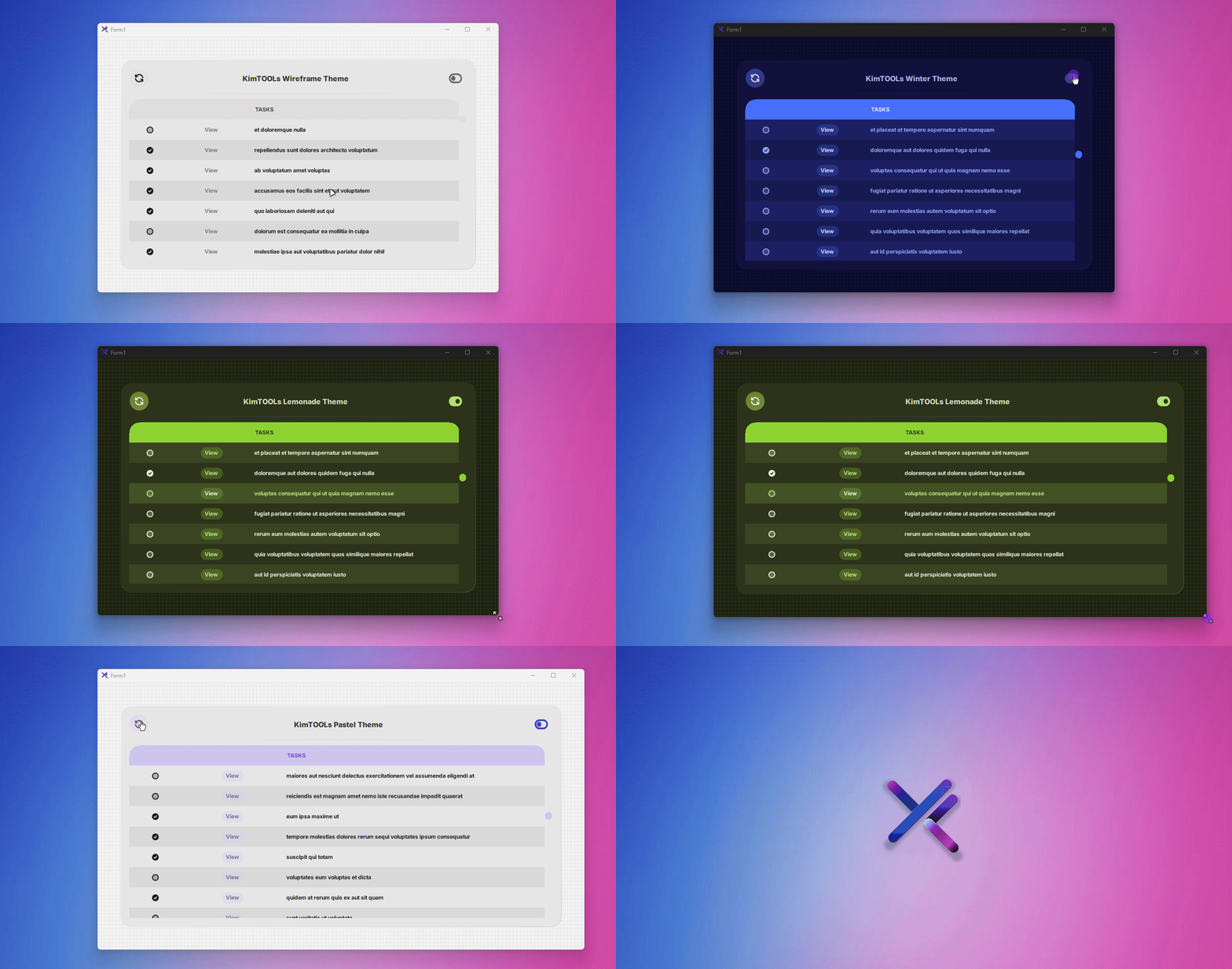

Developer Experience
What you see.
Is what you get.
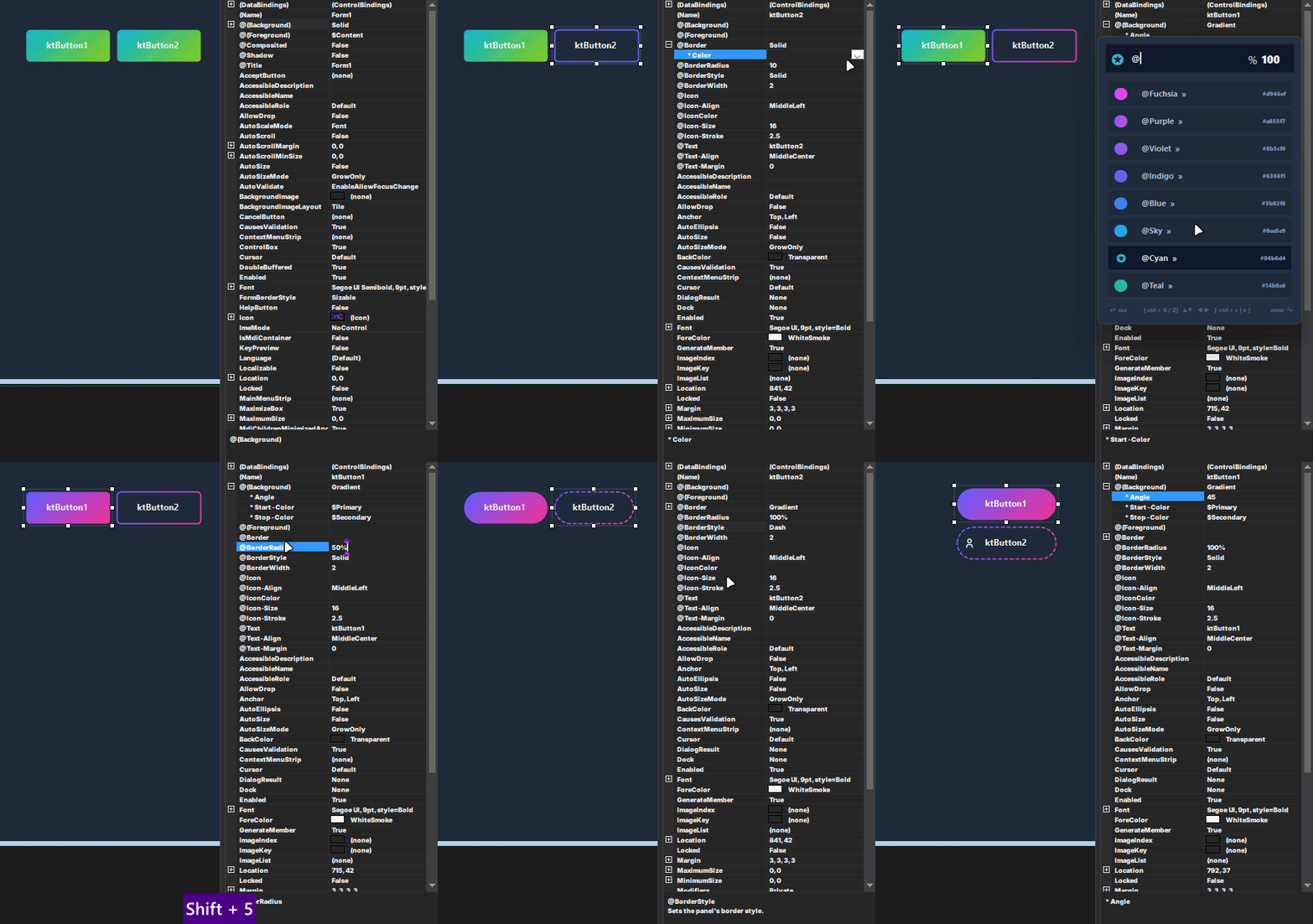
Kimtools Designer is a
WYSIWYG
powerhouse
for WinForms that replaces static properties with a semantic
theme engine
and integrated color tokens.
It bridges the gap between design and code with a
VsCode-style
markup editor
for real-time HTML/SVG editing, an integrated icon
search, it allows you to visually compose
modern, production-ready
interfaces with instant, live feedback directly on the design surface.
Stay in the loop
Subscribe to
Our Newsletter
By joining the KimTools inner circle, you gain a significant competitive advantage in the WinForms development space. Beyond simple version updates, our newsletter provides a direct line to the technical blueprints of the ecosystem
Our subscribers receive exclusive early access to new component betas, comprehensive feature previews, and specialized tips for mastering WinForms modernization that you won't find on the public site.
Join a growing community of developers building the next generation of high-fidelity desktop applications.
Join the Community
Get the latest roadmap • updates • assets • Dev Tips & Tricks
Secure & Private • No Spam
Roadmap
The Next Frontier:
AI-Ready WinForms
The KimTools Ecosystem is evolving into the ultimate AI-Ready stack, featuring an integrated MCP Server, Generative UI, and components designed specifically for human-AI collaboration.
With an AI Agent built directly into the workflow, your development experience becomes a seamless partnership where stunning, high-fidelity interfaces are generated, customized, and maintained with zero friction.
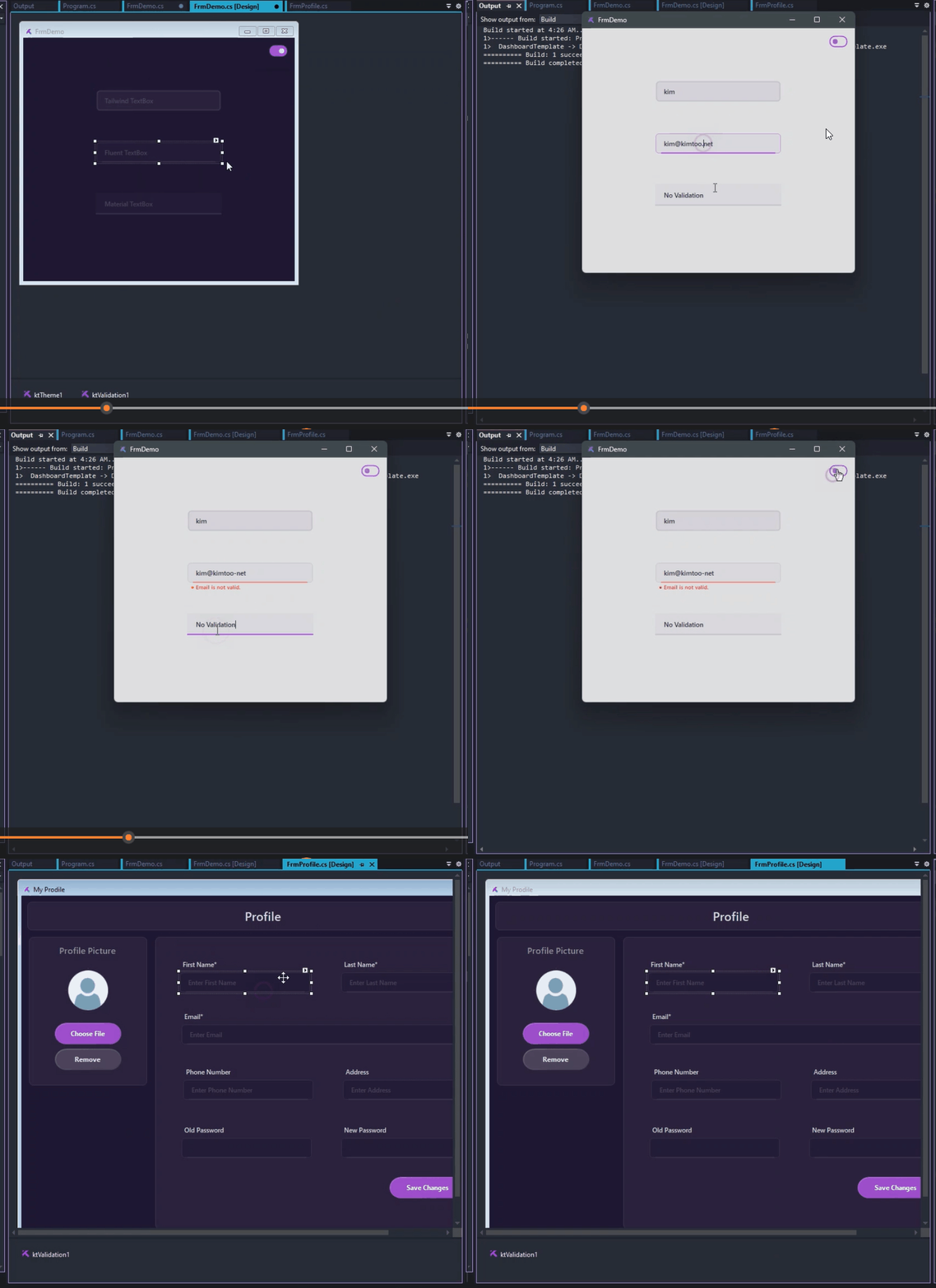
YouTube Channel
Master KimTools with
in-depth Video Demos
Every UI component comes with an in-depth screencast. In addition to production-ready components, you get training and instruction to build and modify them for yourself.
New KimTools updates, control demos, and WinForms tips posted regularly. Subscribe to stay updated.
Watch on YouTube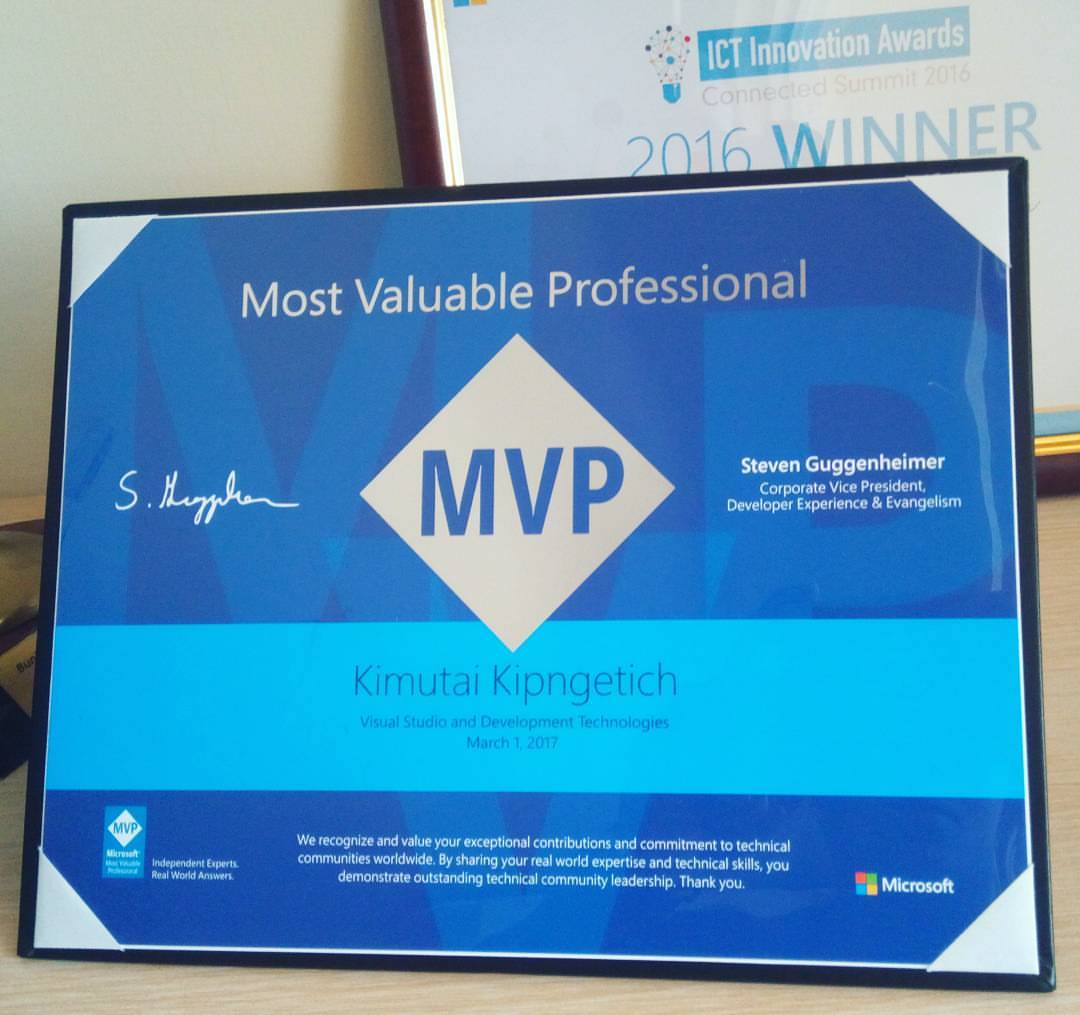
Custom Development
Need something built? Let's talk.
KimToo.net is available for freelance engagements - custom WinForms controls, UI component libraries, licensing systems, or anything in the .NET desktop space.
Same craft that goes into KimTools - DPI-aware, theme-ready, production-grade. No hand-holding required on your end.
* Typically respond within 24 hours.